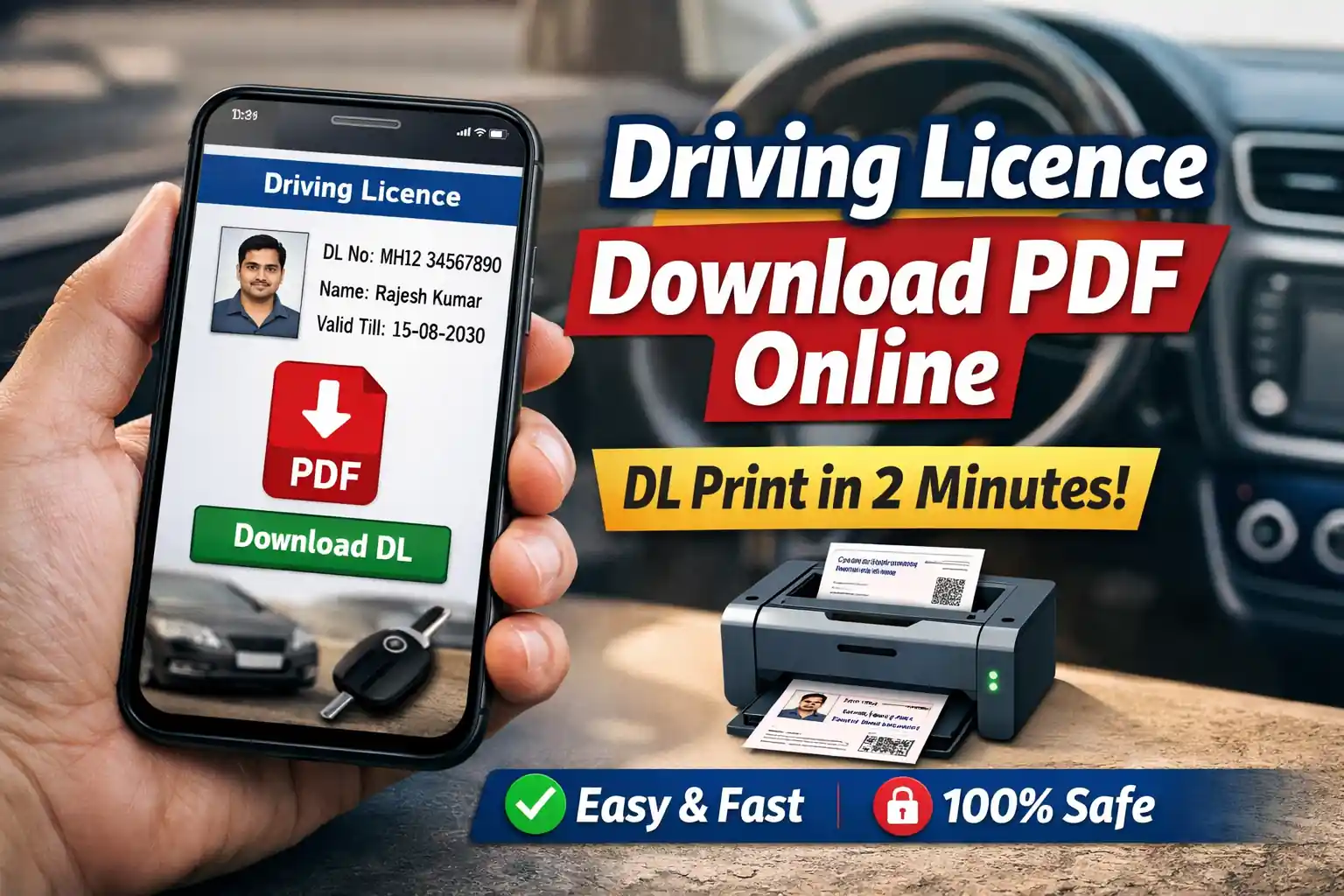
Driving Licence Download is now easier than ever in India. You no longer need to visit an RTO office or stand in long queues. With the help of online services, you can download your Driving Licence PDF and print it within just 2 minutes.
Whether you lost your licence, need a soft copy, or want a quick print, this guide will help you step-by-step.
👉 Read also: Driving Licence Online Check
📄 What is Driving Licence PDF?
A Driving Licence PDF is a digital copy of your licence that you can download online. It contains:
- Your Name
- Licence Number
- Vehicle Class
- Validity Date
- RTO Details
This digital DL is legally valid when shown through apps or printed copy.
⚡ Driving Licence Download in 2 Minutes (Step-by-Step)
Follow these simple steps for Driving Licence Download:
Step 1: Visit Official Portal
Go to the Parivahan Sewa website.
👉 Read also: Parivahan Sewa Portal Guide
Step 2: Enter Licence Details
- Enter your DL Number
- Select your State
- Provide Date of Birth
Step 3: Verify Information
Check your details carefully before proceeding.
Step 4: Download PDF
Click on Download Driving Licence PDF and save it.
Step 5: Print DL
You can now print your licence for personal use.
📱 Alternative Method – Download DL via Mobile
You can also download your licence using mobile apps like DigiLocker or mParivahan.
👉 Read also: mParivahan e Challan Check
Steps:
- Install the app
- Login with mobile number
- Search Driving Licence
- Download digital DL
🔍 Driving Licence Download by DL Number
If you only have your DL number, don’t worry.
You can still complete your Driving Licence Download easily:
- Enter DL Number
- Select issuing state
- Verify OTP
- Download instantly
📊 Benefits of Driving Licence PDF
Here’s why downloading your DL online is useful:
- ✅ Instant access anytime
- ✅ No need to visit RTO
- ✅ Accepted by traffic police
- ✅ Easy to share and print
- ✅ Safe digital backup
🚨 Is Digital Driving Licence Valid?
Yes, your Driving Licence PDF is valid if:
- It is downloaded from official portal
- Or accessed via DigiLocker / mParivahan
Government has approved digital documents under IT Act.
🔧 Common Problems & Solutions
❌ Problem: DL not found
✔️ Solution: Check correct DL number and state
❌ Problem: Website not loading
✔️ Solution: Try during non-peak hours
❌ Problem: Wrong details
✔️ Solution: Update your RC/DL info online
👉 Read also: RC Status Online Check
📑 Documents Required
For Driving Licence Download, you may need:
- DL Number
- Date of Birth
- Registered Mobile Number
No physical documents required.
🧠 Pro Tips for Fast DL Download
- Use correct DL format (State code + number)
- Keep OTP-ready mobile number
- Use Chrome browser for better performance
- Save PDF in phone & cloud
📌 Driving Licence Print – Important Notes
- Printed copy is useful but digital is also valid
- Keep a soft copy on your phone always
- Lamination is optional
❓ FAQs
You can download your Driving Licence PDF by visiting the Parivahan website, entering your DL number, and clicking download.
Yes, digital Driving Licence is valid if accessed from official apps like DigiLocker or mParivahan.
Yes, after downloading the PDF, you can easily print it at home.
You can retrieve it using your registered mobile number or check it online.
It usually takes less than 2 minutes if all details are correct.
🏁 Conclusion
Driving Licence Download has become a fast and hassle-free process in 2026. With just a few clicks, you can access your DL PDF, print it, and use it anywhere legally.
Instead of visiting RTO offices, go digital and save time. Keep your Driving Licence safe on your mobile and stay stress-free while driving.
📖 Read Also
1️⃣ Vehicle RC Status Check
2️⃣ RC Status by Vehicle Number
3️⃣ RC Validity Check Online
4️⃣ Vehicle Challan Status Check